
[test] Make test discovery robust with retries

Previously, if `fx test --list` failed, the test discovery user
interaction would silently fail, leaving the user with an empty list of
tests without any notification or way to recover.

This change introduces a `TestcaseDiscoveryQueue` to manage test case
discovery, bringing the following benefits:
 - Error Handling and Retries: When a test discovery fails, an error
   notification is displayed to the user with options to "Retry",
   "Show Logs", or "Dismiss".
 - JSON parsing: Errors from parsing the output of `fx test --list` are
   now explicitly surfaced to users.
 - Batching: Multiple discovery requests are batched together, limiting
   the amount of notification spam should multiple TestItem discoveries
   fail.

The following test improvements are also included:
 - Test coverage of `TestcaseDiscoveryQueue`, and implicit coverage of
   `discoverTestCases()`.
 - `setupMockFfx()` is now generalized to `setupMockedCommand()`,
   allowing `fx` to be expressively mocked in the same way.

Fixed: 436612350, 436866233
Change-Id: I8deac64788aad994ef762b7e034ce706446e80a4
Reviewed-on: https://fuchsia-review.googlesource.com/c/vscode-plugins/+/1351884
Reviewed-by: Amy Hu <amyhu@google.com>
Kokoro: Kokoro <noreply+kokoro@google.com>
The Fuchsia VS Code Extension streamlines Fuchsia development by integrating essential tools and workflows within the editor.
Visit the fuchsia.dev reference for a detailed walkthrough of this extension's features, Using the Fuchsia extension for VS Code.
Ensure you have a Fuchsia source checkout. You may need to configure the path to your ffx tool:
Settings > Extensions > FuchsiaFuchsia: Ffx Path to the absolute path of your ffx executable.If not set, the extension will search for ffx in ./tools/ffx and ./.jiri_root/bin/ffx.
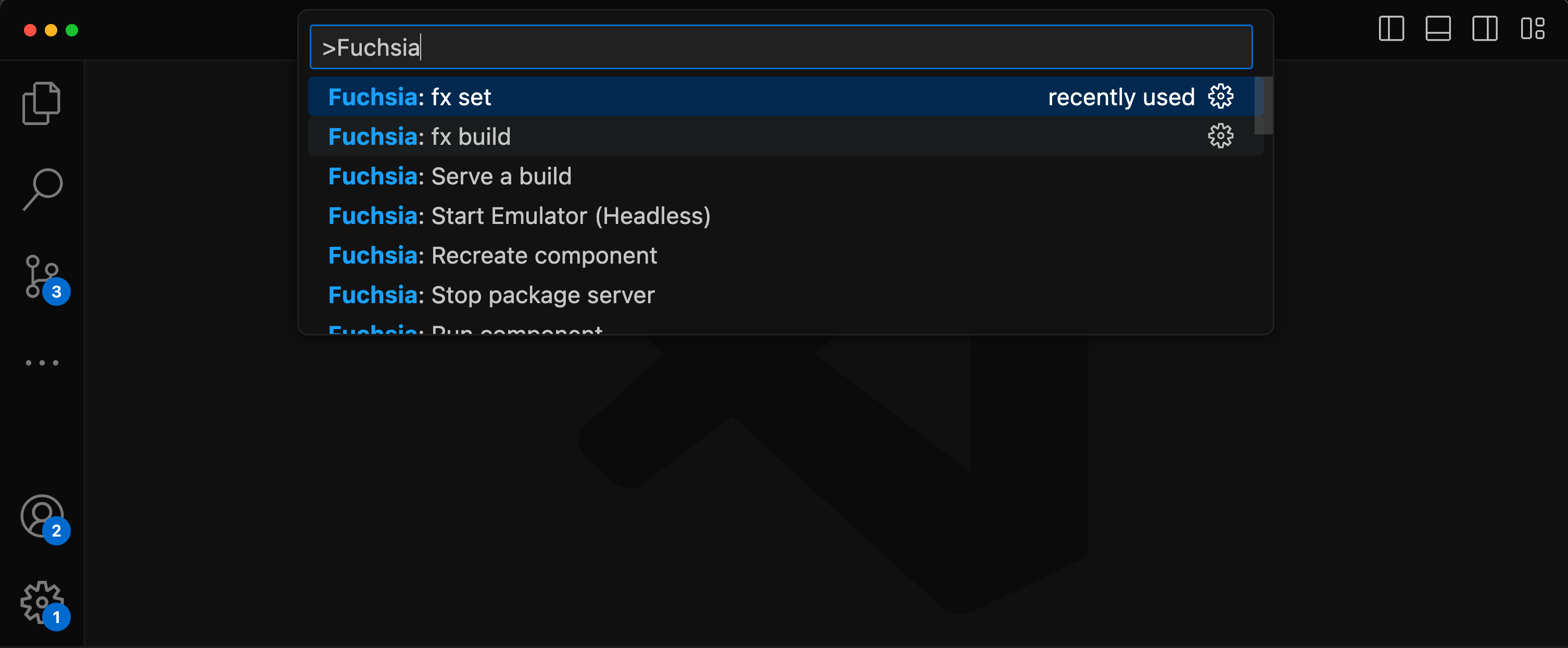
All features are accessible via the VS Code command palette Ctrl+Shift+P or Cmd+Shift+P. Type “Fuchsia” to see a list of available commands.
There are two options to set a keybinds for fx build.
Default build task
Terminal > Configure Default Build Task...Fuchsia Extension: fx buildCustom key
Preferences: Open Keyboard ShortcutsFuchsia: fx buildUse of the Fuchsia core developer tools is subject to the Google Terms of Service. The Google Privacy Policy describes how data is handled in your use of this service.