
[test][discovery] Decouple unit tests.

Split up unit tests into ones that conceptually test `discoverTestCases`
and ones that test `TestcaseDiscoveryQueue`.

This decoupling simplifies testing and allows changes to one unit
without impacting the other.

Bug: 447204022
Change-Id: Ib9000e67ae2dd5166768cb05db8664f934413946
Reviewed-on: https://fuchsia-review.googlesource.com/c/vscode-plugins/+/1408854
Kokoro: Kokoro <noreply+kokoro@google.com>
Reviewed-by: Amy Hu <amyhu@google.com>
The Fuchsia VS Code Extension streamlines Fuchsia development by integrating essential tools and workflows within the editor.
Visit the fuchsia.dev reference for a detailed walkthrough of this extension's features, Using the Fuchsia extension for VS Code.
Ensure you have a Fuchsia source checkout. You may need to configure the path to your ffx tool:
Settings > Extensions > FuchsiaFuchsia: Ffx Path to the absolute path of your ffx executable.If not set, the extension will search for ffx in ./tools/ffx and ./.jiri_root/bin/ffx.
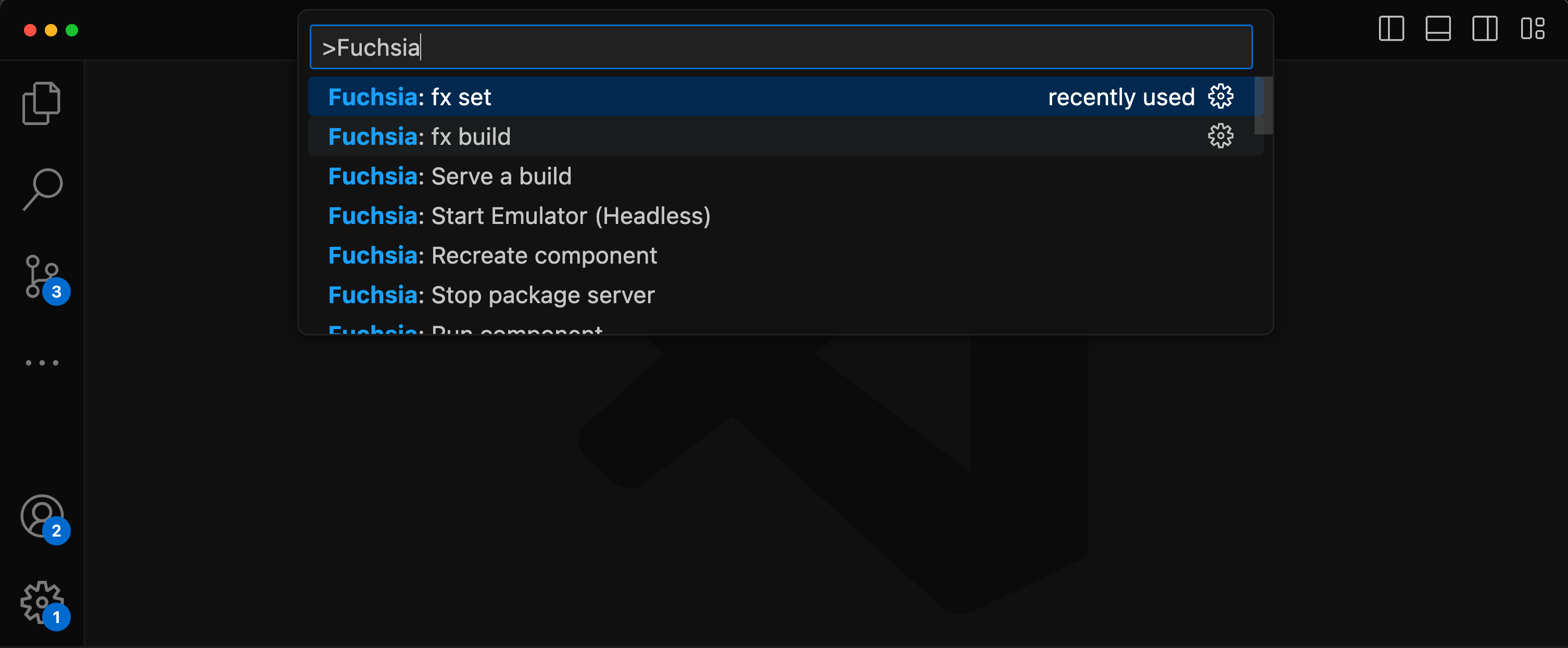
All features are accessible via the VS Code command palette Ctrl+Shift+P or Cmd+Shift+P. Type “Fuchsia” to see a list of available commands.
There are two options to set a keybinds for fx build.
Default build task
Terminal > Configure Default Build Task...Fuchsia Extension: fx buildCustom key
Preferences: Open Keyboard ShortcutsFuchsia: fx buildUse of the Fuchsia core developer tools is subject to the Google Terms of Service. The Google Privacy Policy describes how data is handled in your use of this service.