
[zxdb] Cleanup old debug sessions before debugging

Stop the current debug session, as well as all active zxdb/debug_agent
processes before starting new debug sessions.

This will give the newly spawned debugger a much better chance to attach
to its desired process.

Fixed: 450886831
Change-Id: I1f4c9e2cac6c13747a6067935ea94e0f2f1dbd2a
Reviewed-on: https://fuchsia-review.googlesource.com/c/vscode-plugins/+/1394233
Reviewed-by: Amy Hu <amyhu@google.com>
Kokoro: Kokoro <noreply+kokoro@google.com>
Reviewed-by: Jacob Rutherford <jruthe@google.com>
The Fuchsia VS Code Extension streamlines Fuchsia development by integrating essential tools and workflows within the editor.
Visit the fuchsia.dev reference for a detailed walkthrough of this extension's features, Using the Fuchsia extension for VS Code.
Ensure you have a Fuchsia source checkout. You may need to configure the path to your ffx tool:
Settings > Extensions > FuchsiaFuchsia: Ffx Path to the absolute path of your ffx executable.If not set, the extension will search for ffx in ./tools/ffx and ./.jiri_root/bin/ffx.
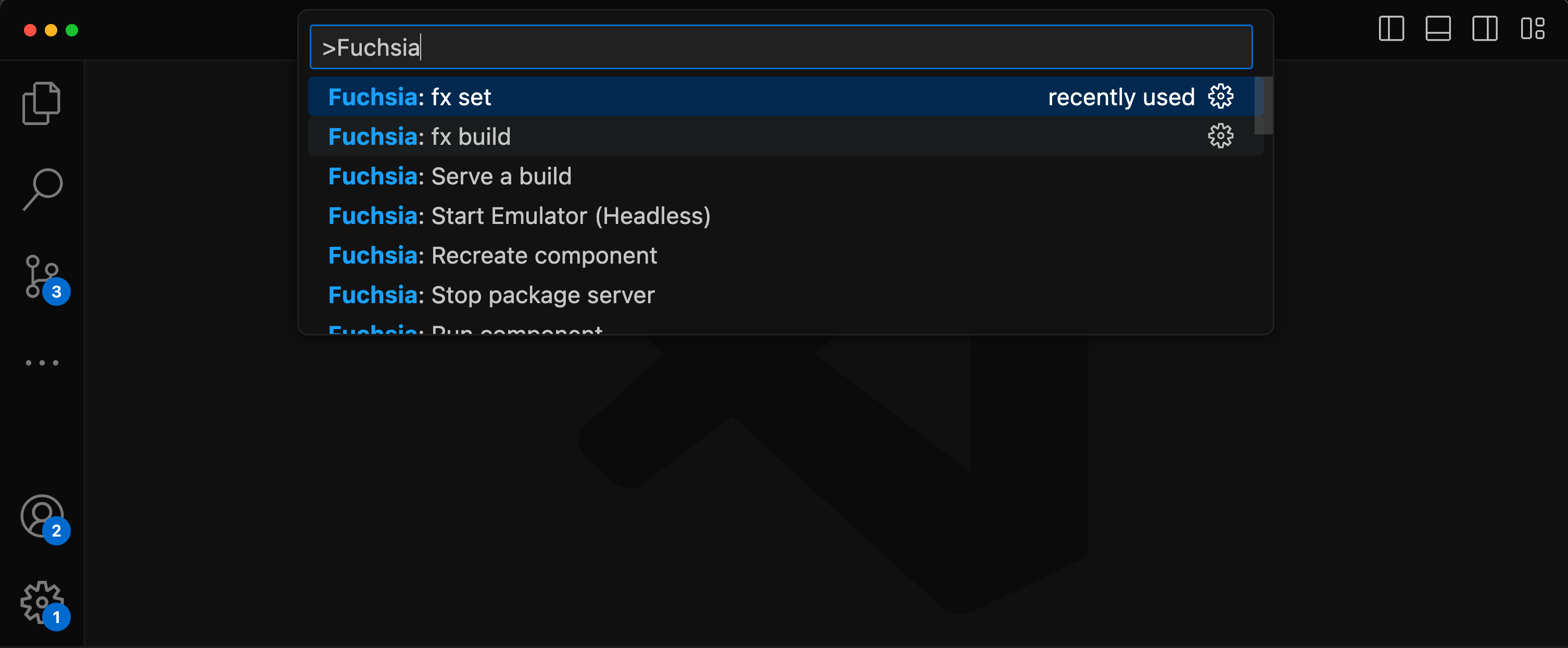
All features are accessible via the VS Code command palette Ctrl+Shift+P or Cmd+Shift+P. Type “Fuchsia” to see a list of available commands.
There are two options to set a keybinds for fx build.
Default build task
Terminal > Configure Default Build Task...Fuchsia Extension: fx buildCustom key
Preferences: Open Keyboard ShortcutsFuchsia: fx buildUse of the Fuchsia core developer tools is subject to the Google Terms of Service. The Google Privacy Policy describes how data is handled in your use of this service.